
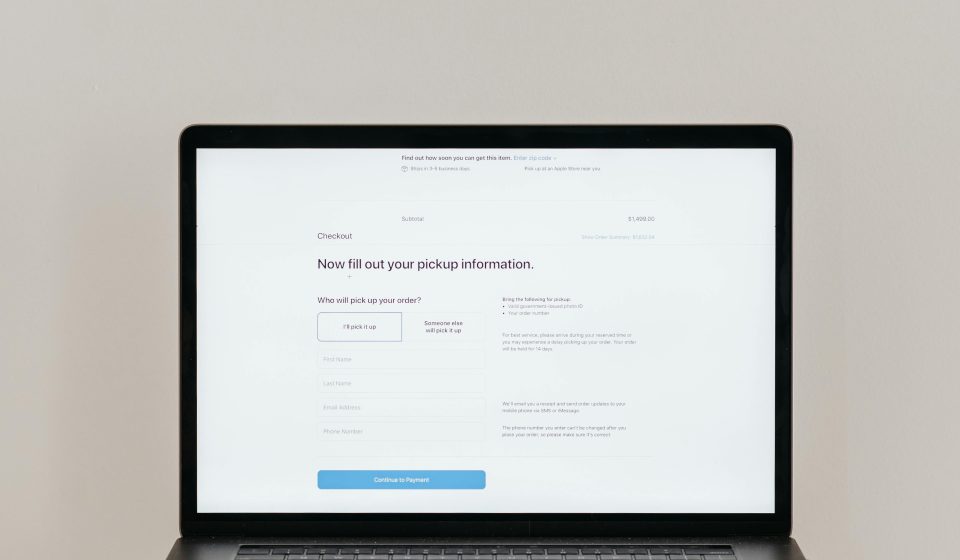
Most ecommerce stores don’t have a traffic problem. They have a checkout problem.
Table Of Content
- What is a Checkout Friction Heatmap
- The 5 Critical Drop-Off Points in Checkout
- 1. Cart Page
- 2. Information / Details Step
- 3. Shipping Step
- 4. Payment Step
- 5. Order Review / Confirmation
- How to Identify Friction Using Data
- What High-Friction Checkout Looks Like
- Quick Wins to Reduce Checkout Friction
- Final Checklist
Customers add products to cart, start the checkout process, and then disappear. This is where revenue is lost.
A checkout friction heatmap helps you identify exactly where users drop off and why, so you can fix the issues that are blocking conversions.
This guide breaks down the key friction points in checkout, what causes them, and how to fix them.
What is a Checkout Friction Heatmap
A checkout friction heatmap is a visual or analytical view of where users hesitate, abandon, or exit during the checkout process.
Instead of guessing, you can see:
- Where users stop scrolling
- Where they hesitate or click repeatedly
- Where they abandon the process entirely
You can get this data from tools like session recordings, heatmaps, and funnel analysis.
The goal is simple: remove friction and make it as easy as possible to complete a purchase.
The 5 Critical Drop-Off Points in Checkout
1. Cart Page
This is the first decision point before checkout begins.
Common issues:
- Unexpected shipping costs
- No clear total price
- Lack of trust signals
- Limited payment options visible
Why customers drop:
Customers are comparing value. If the total cost feels unclear or too high, they leave.
What to fix:
- Show full pricing early (including shipping if possible)
- Highlight return policy and guarantees
- Display accepted payment methods
- Add urgency carefully (e.g., low stock indicators)
2. Information / Details Step
This is where users enter shipping and contact information.
Common issues:
- Too many required fields
- No autofill or address suggestions
- Poor mobile experience
Why customers drop:
This step feels like work. The more effort required, the higher the abandonment.
What to fix:
- Reduce form fields to the minimum
- Enable autofill and address lookup
- Optimize for mobile input
3. Shipping Step
This is often the biggest conversion killer.
Common issues:
- High or unexpected shipping costs
- Slow delivery times
- Lack of clear options
Why customers drop:
Shipping introduces doubt. Customers reassess whether the purchase is worth it.
What to fix:
- Be transparent about shipping early
- Offer free shipping thresholds
- Clearly communicate delivery times
4. Payment Step
This is the final and most sensitive step.
Common issues:
- Limited payment options
- Lack of trust indicators
- Errors or failed payments
Why customers drop:
Customers worry about security or can’t use their preferred payment method.
What to fix:
- Offer multiple payment options (cards, wallets, etc.)
- Display trust badges and secure checkout messaging
- Minimize distractions and keep the layout clean
5. Order Review / Confirmation
This is the last checkpoint before purchase.
Common issues:
- Hidden fees appearing late
- Complicated review process
- No clear call to action
Why customers drop:
Last-minute surprises create hesitation and distrust.
What to fix:
- Keep pricing consistent with earlier steps
- Simplify the review process
- Make the final action clear and reassuring
How to Identify Friction Using Data
To build your own checkout friction heatmap, focus on these methods:
Funnel Analysis
Track each step from cart to purchase and measure drop-off rates.
Session Recordings
Watch real user sessions to see where they hesitate or get stuck.
Click and Scroll Heatmaps
Identify areas where users interact the most or stop engaging.
Form Analytics
See which fields take the longest or cause errors.
What High-Friction Checkout Looks Like
You likely have friction if you see:
- High cart abandonment rate
- Large drop-off between shipping and payment
- Repeated clicks or errors on form fields
- Strong traffic but low conversion rate
Quick Wins to Reduce Checkout Friction
Start with changes that have immediate impact:
- Remove unnecessary form fields
- Add guest checkout
- Show total cost early
- Offer multiple payment methods
- Improve mobile usability
Even small improvements at checkout can significantly increase revenue.
Final Checklist
- Transparent pricing from the start
- Simple and fast form experience
- Clear shipping options and timelines
- Multiple trusted payment methods
- Clean, distraction-free checkout
Checkout is where buying decisions are finalized. Every extra step, delay, or uncertainty reduces the chance of conversion.
If you identify where customers drop and remove the friction at those points, you will see one of the fastest and most measurable improvements in your store’s performance.